A customer shows your product in everyday use. A creator explains a detail that is hard to capture in a product description. Your team records a useful how-to. Each piece can answer a question, but can a shopper find it while deciding what to buy?
Putting customer content on product pages gives that material another job: helping people explore the details that matter to their purchase. The starting point is one useful question and a relevant story, rather than a larger content library.
Start with the question behind the purchase
Choose a product page and look at what shoppers ask your team. Review support conversations, product questions and feedback you have permission to use. What needs a clearer explanation?
For a shoe, that might be how it looks in motion. For cookware, it might be seeing a particular cooking technique. For another product, the useful detail could be scale, setup or everyday care. These are examples to investigate, not assumptions about your customers.
Write the question in plain language. “What does this look like when someone uses it?” is a more useful starting point than “We need more engagement.” It helps you decide which content belongs on the page and what to leave out.
Choose content that answers that question
Review what you already have. A short demonstration may explain a step better than a polished promotional image. A customer's photo may show a context that your studio photography does not cover.
Check that the product and the relevant detail are visible. Keep the person's experience in context, and avoid presenting a single story as a result every shopper should expect.
Confirm permission before reusing anything. Content being public, tagged with your brand or previously posted on social media does not establish permission for website use. Check the rights for the intended placement, including people, music and any other material in the asset.
Make customer content on product pages easier to explore
Organize selected stories around useful themes. A collection could explain how to use a product, show it in different settings or bring together answers to a recurring question. Give it a name that helps a shopper understand what they will find.
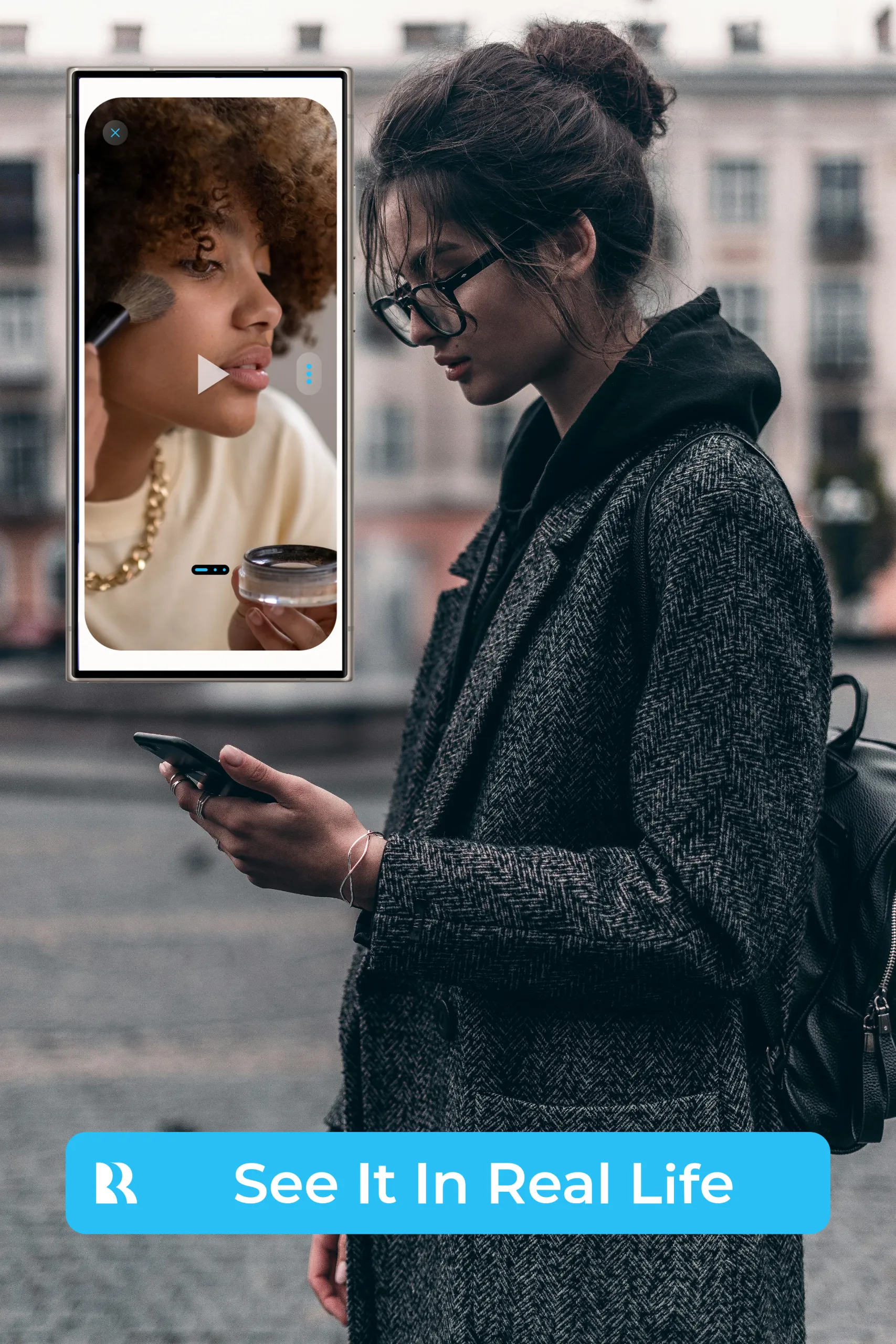
Reflekt Me’s See It In Real Life experience lets merchants organize stories into named collections and make them available from the product page. Shoppers open the story window and choose the collections they want to explore.
That choice matters to the way you organize the content. Clear collection titles and relevant stories help people decide where to look. Avoid filling a collection simply because there is more content available. Each story should have a reason to be there.
Give each page a small, practical content plan
Before adding a collection, record four things:
- The shopper question it is intended to address.
- The stories or demonstrations selected, with their usage permissions.
- The collection title and product-page placement to review.
- The person responsible for keeping the content accurate and current.
Start with a manageable set. Review the experience on a phone as well as a desktop: can the shopper find the entry point, read the collection titles and see the important detail in each story?
Learn from use without overstating the result
Reflekt Me’s engagement views include button opens and story collection views. Those measures can help you understand whether shoppers are opening the experience and which collections they explore.
Use that information alongside the questions your team continues to receive. A collection getting views does not, by itself, establish that it increased sales or resolved a particular concern. Treat the data as a prompt to investigate, refine and test.
Your existing content may already hold useful answers. Give those answers a clear place on the product page, and make it easy for shoppers to choose what they want to see.
Explore Reflekt Me’s See It In Real Life experience and consider which shopper question your first collection could address.
Contact us at Hello@Reflektme.com to talk enterprise or how to install on non shopify sites.